1. In the left navigation menu, go Settings and Integrations.
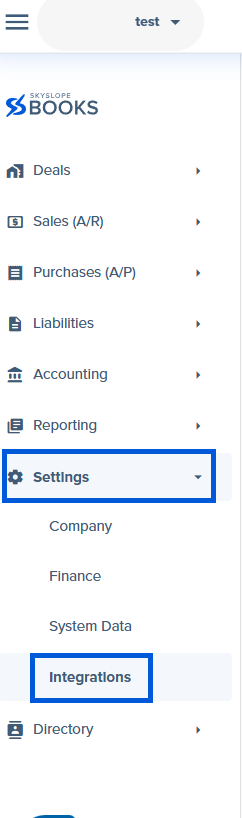
2. This takes you to the Integrations page. From the Integrations tab, go to the All tab.
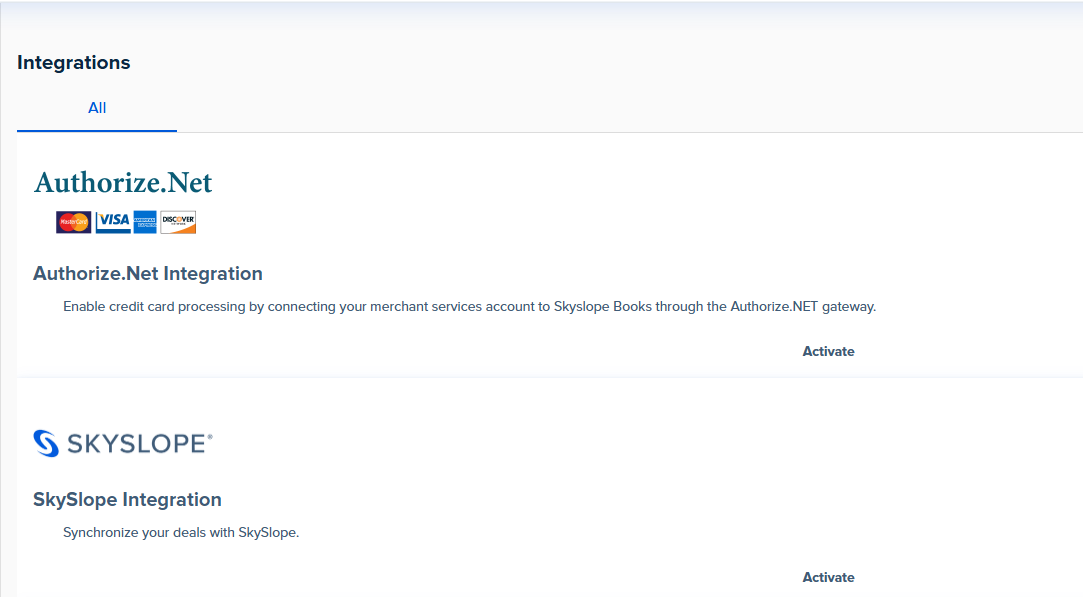
3. Scroll down to Dotloop and click Activate.

4. Once you do that, you should see Dotloop under the Activated tab.


Was this article helpful?
That’s Great!
Thank you for your feedback
Sorry! We couldn't be helpful
Thank you for your feedback
Feedback sent
We appreciate your effort and will try to fix the article
<\br>